 Quick Salon Book
Single site
For one salon or barber shop.
$69/ year
- 1 website
- Everything in Pro
- Updates and support
Quick Salon Book adds online booking to your WordPress site. Clients see your treatments and prices, pick a free time, and book – or pay a deposit by card or PayPal. No monthly booking app, no commission per booking.
Works with any theme. Elementor widgets included.
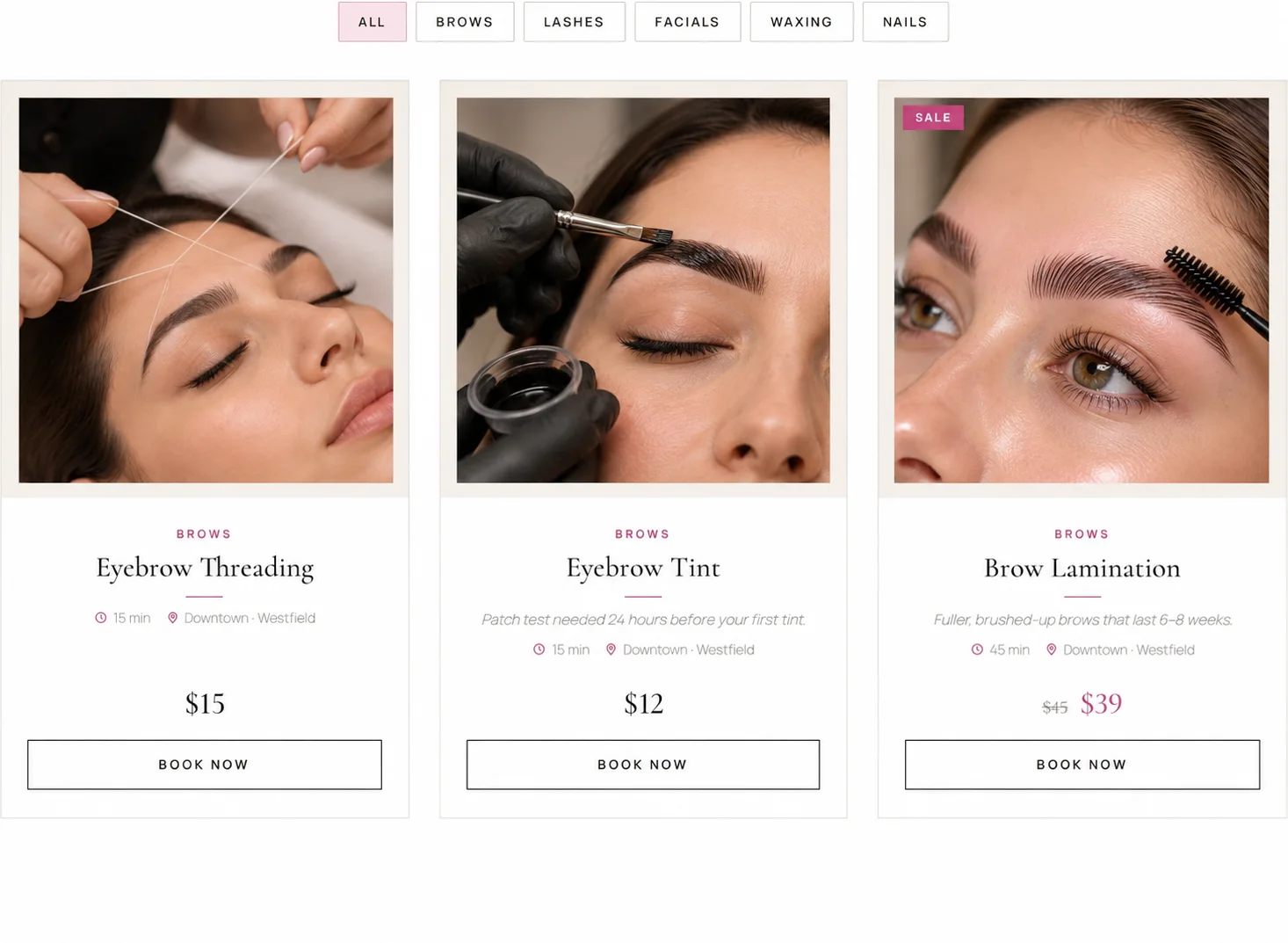
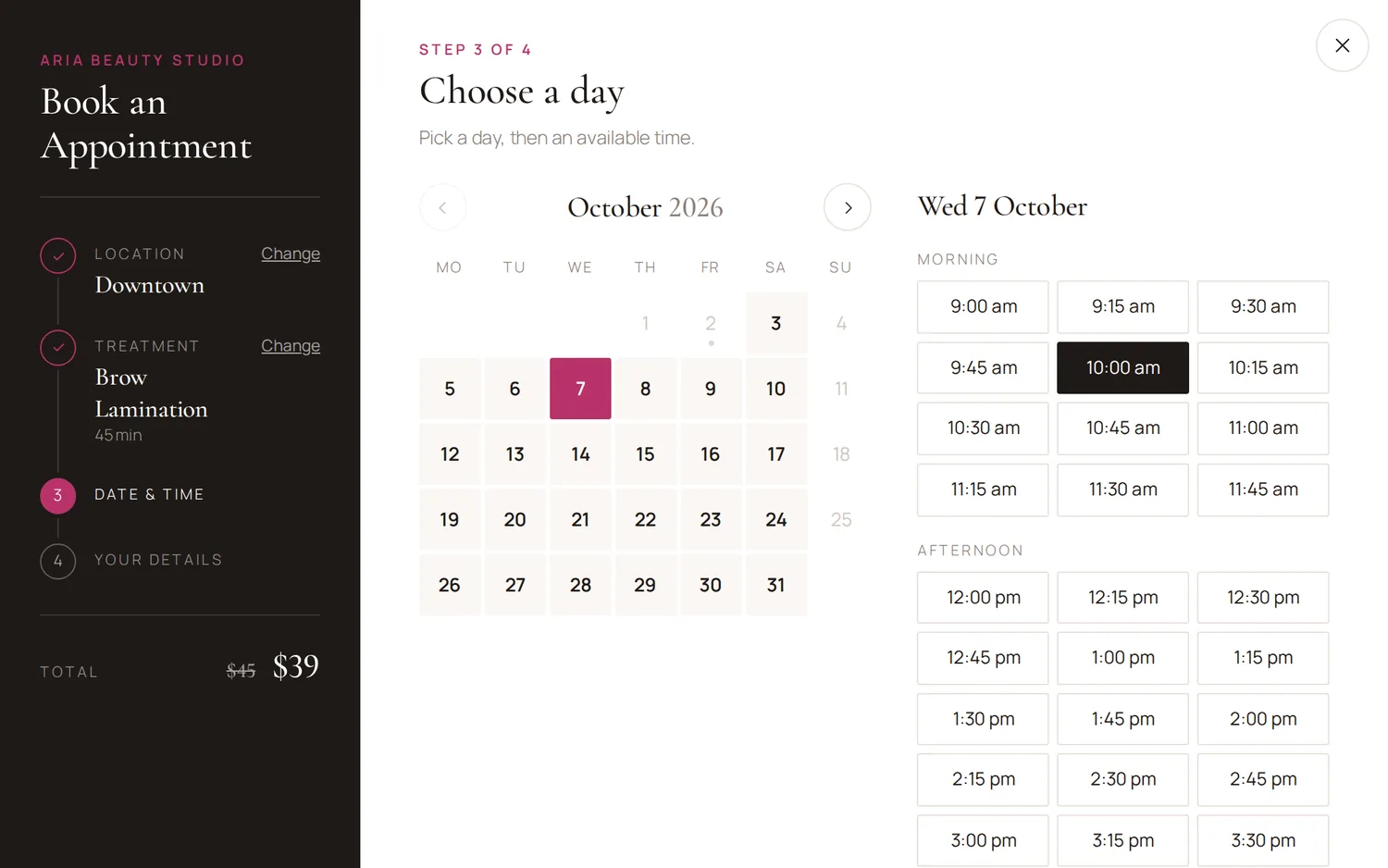
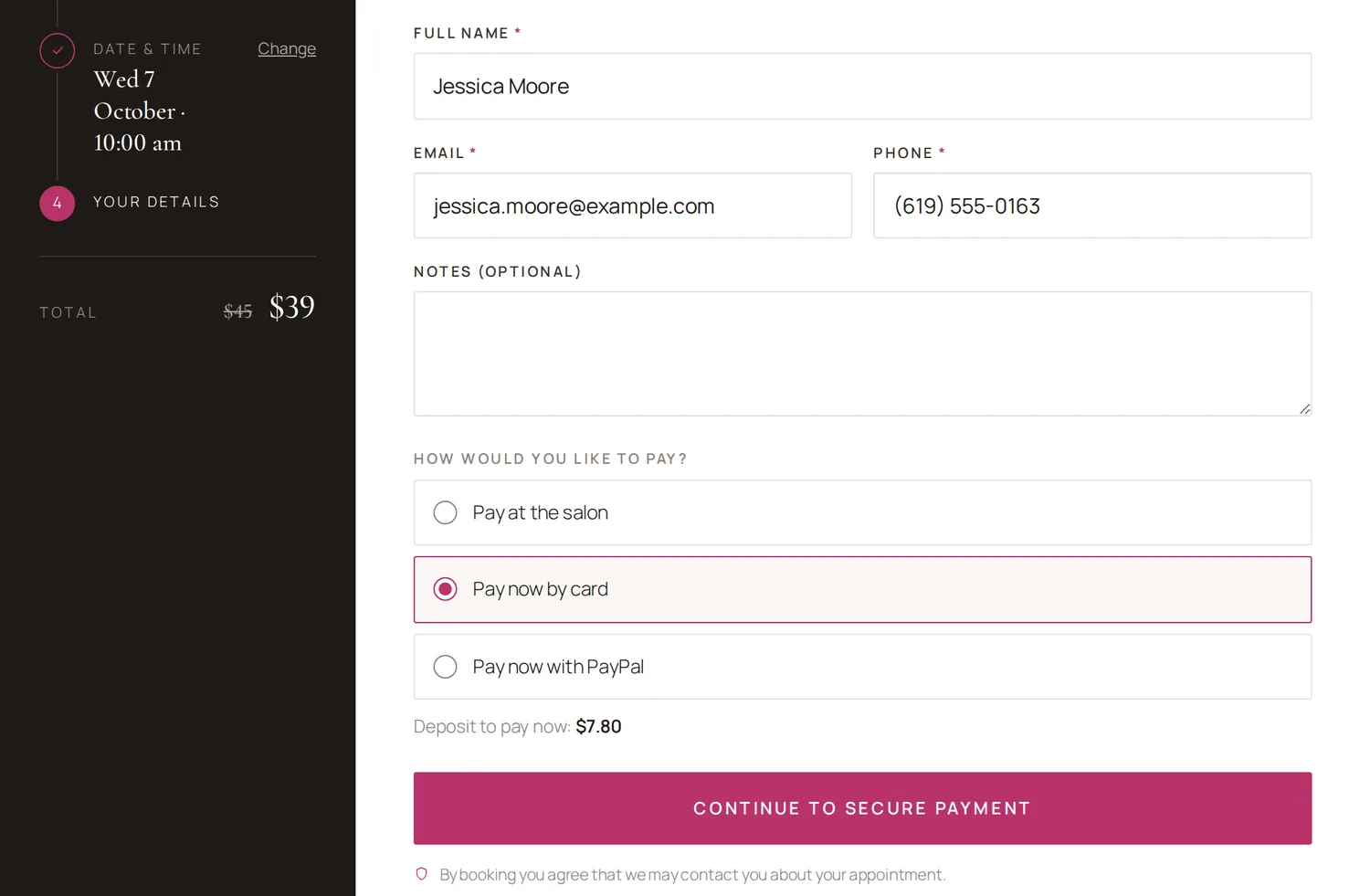
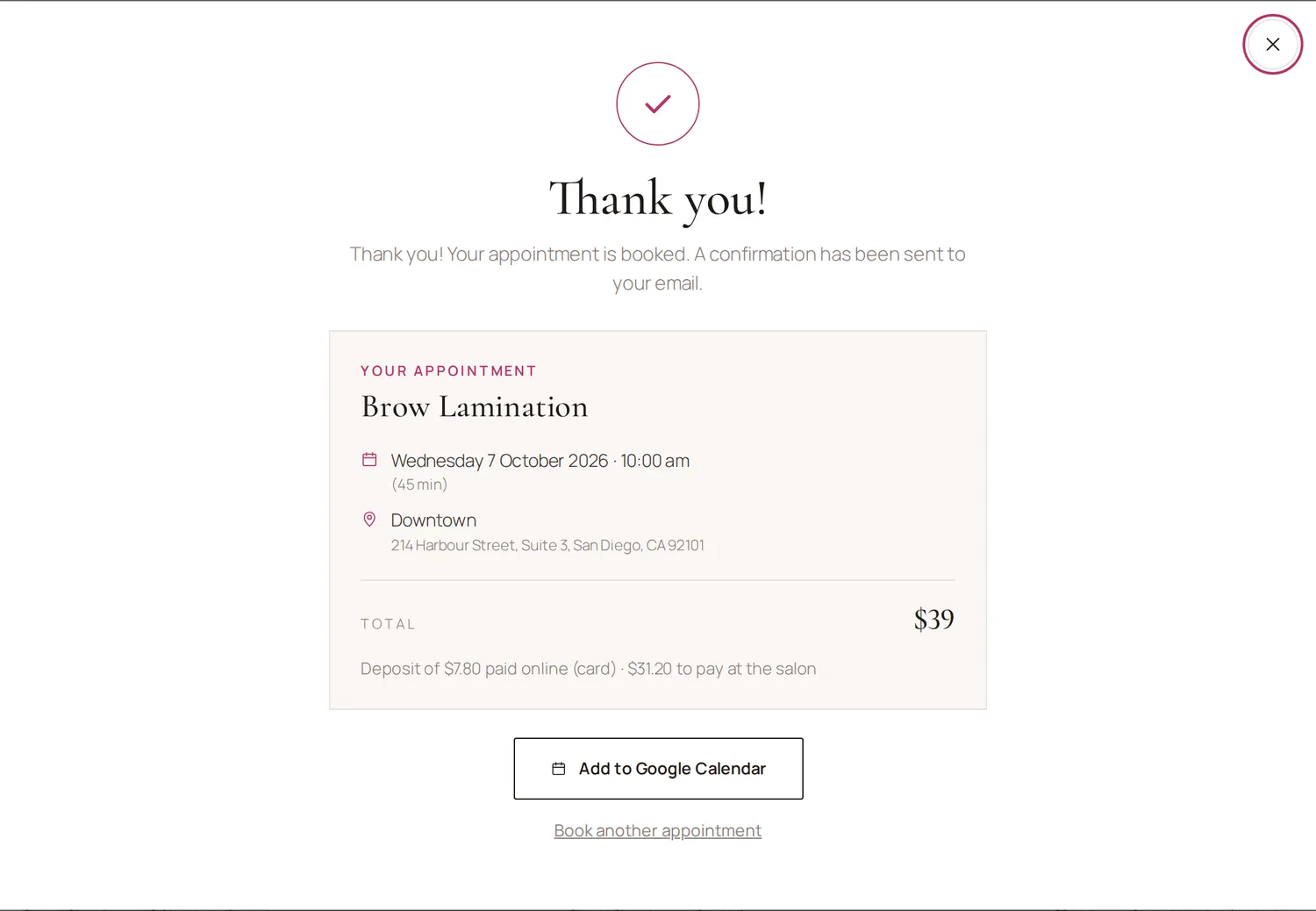
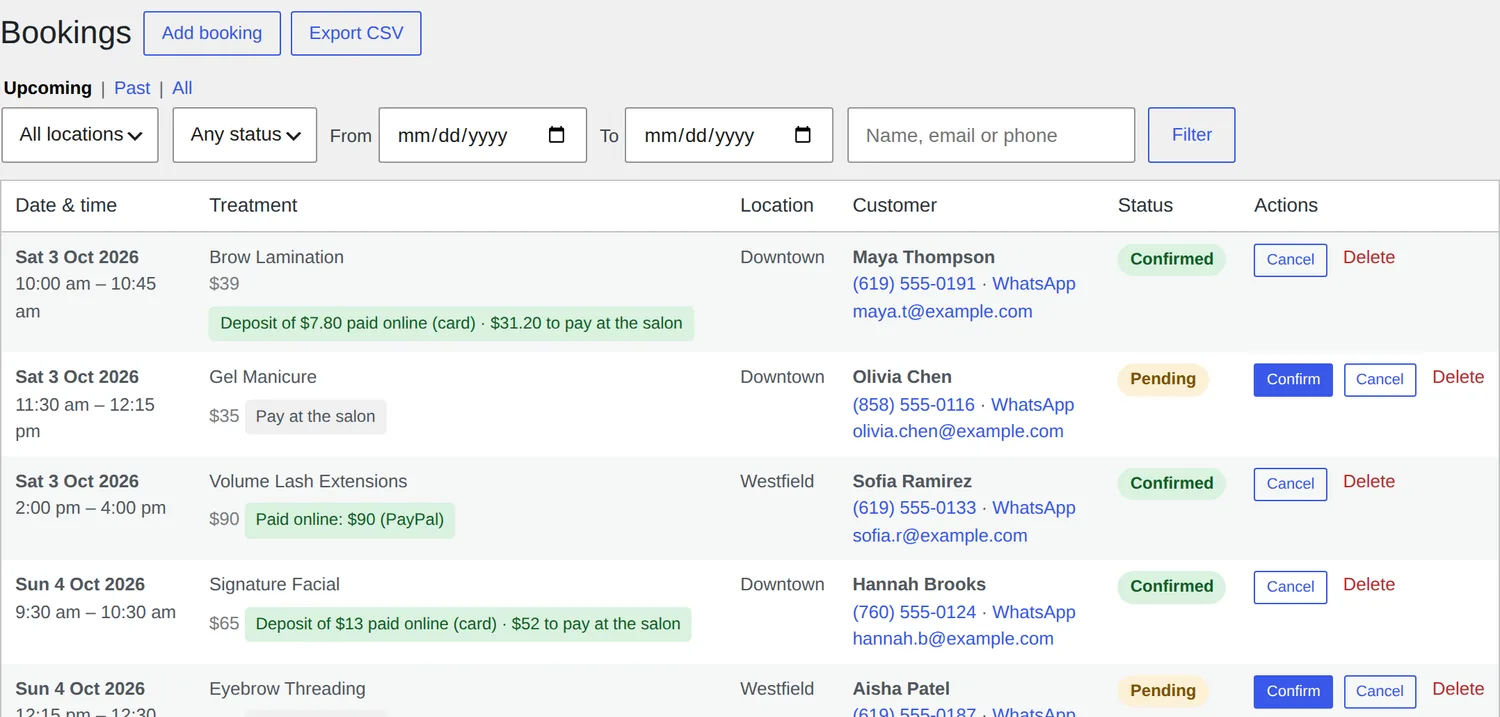
Clients choose a treatment from your price list and tap Book Now.
Made for beauty salons, hair salons, nail and brow studios, lash bars, spas and barbers.
A clean popup opens from any button on your site. It only ever shows times you can really take.
Your menu with prices, durations and sale prices. Clients can search or filter by category.
Opening hours, closed days, staff numbers and existing bookings are all taken into account.
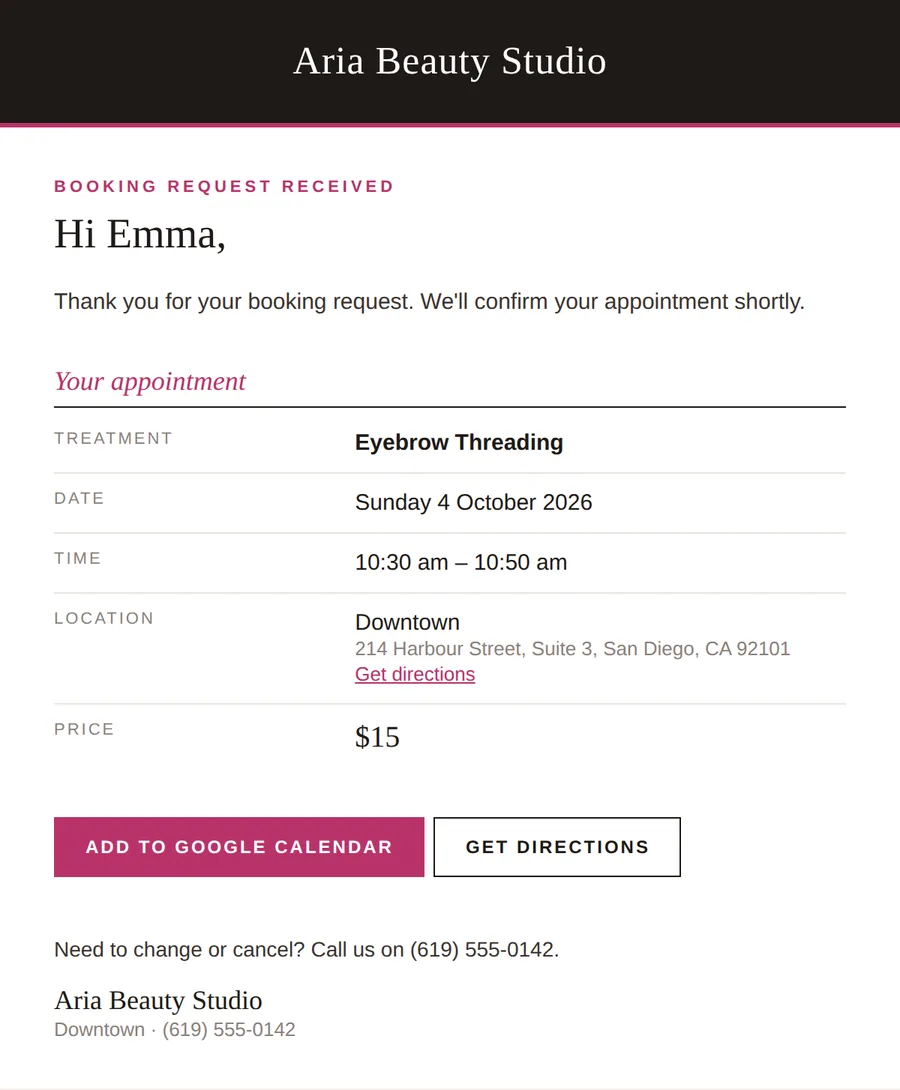
Name, email and phone, then pay at the salon or online. You and your client both get a confirmation email.
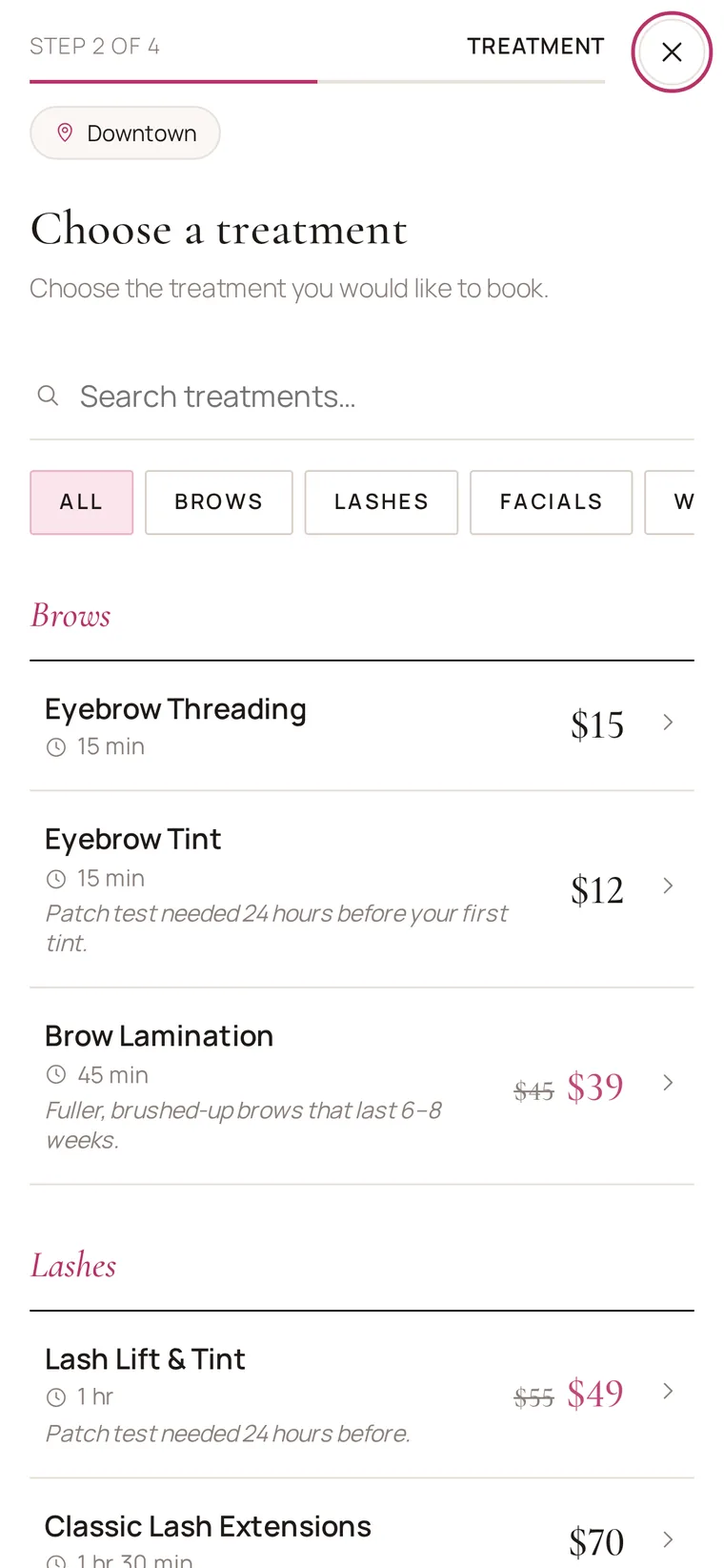
Show every treatment as an elegant card with its price and a Book Now button. Clicking it starts the booking with that treatment already chosen.
Let clients pay online by card, Apple Pay, Google Pay or PayPal – the full price or a deposit. Or let them choose to pay at the salon. You decide which options to offer.
Run several salons with their own treatments, prices, opening hours and notification emails. Clients choose the location first and only see what that branch offers.
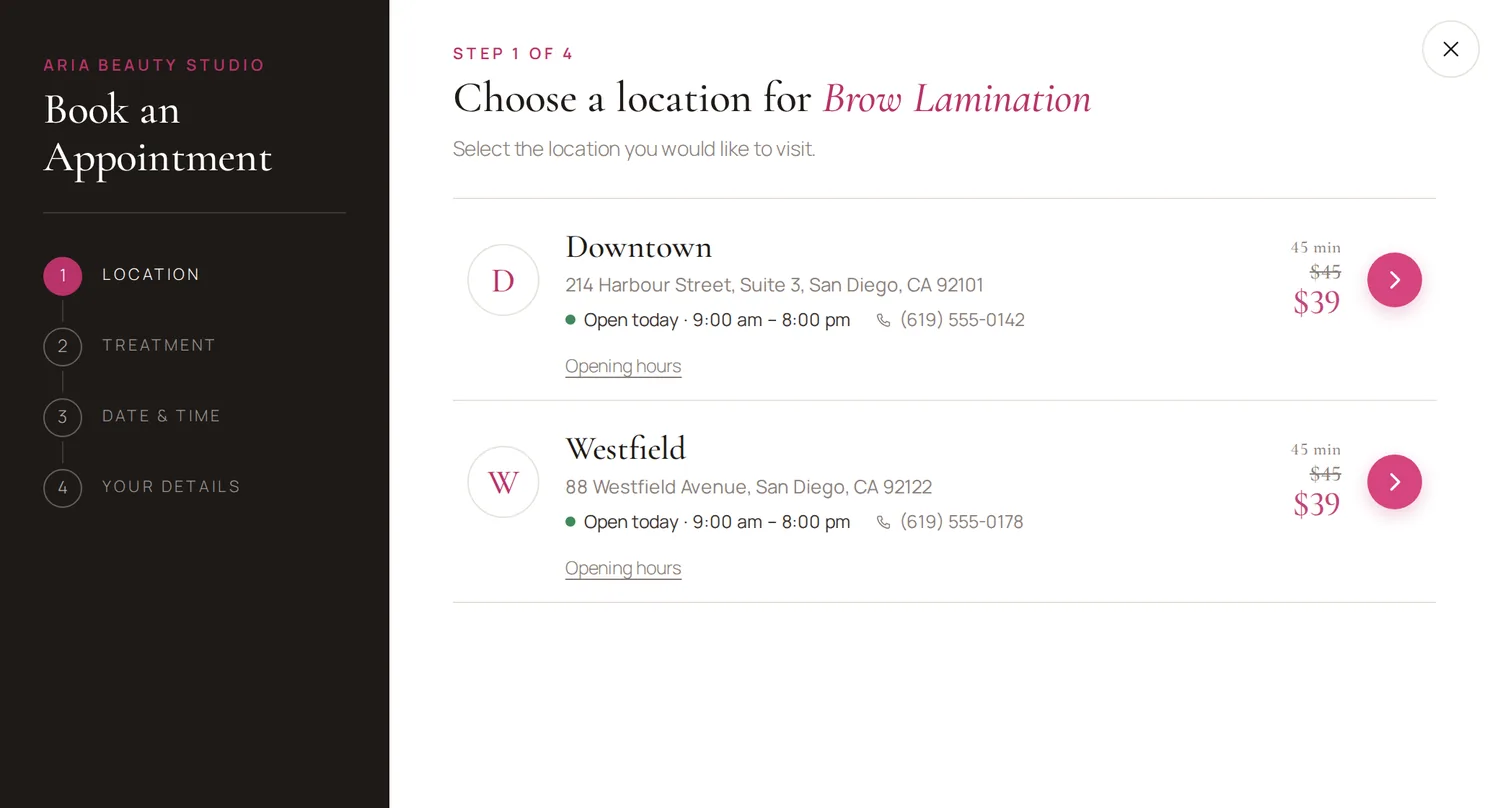
See what's coming up, confirm or cancel with one click, and add phone and walk-in bookings so the time is blocked online too.
A setup wizard with sample menus for beauty, hair, nails, barbers and spas.
Set how many people you can look after at the same time. A slot closes when it's full.
Built-in checks plus Google reCAPTCHA, so only real clients get through.
Show prices as $25, 25 € or Rs 2,500. Translation-ready.
Send every booking to GoHighLevel, Zapier, Make or any webhook.
Send clients to your own thank-you page with the booking value for Meta and Google Ads.
The free version covers a single salon taking bookings to pay in person. Pro adds online payments, more locations and connections to your other tools.
| Feature | Free | Pro |
|---|---|---|
| Treatment cards, booking popup and Elementor widgets | Yes | Yes |
| Unlimited bookings and treatments | Yes | Yes |
| Booking emails, spam protection, setup wizard | Yes | Yes |
| Locations | 1 | Unlimited |
| Online payments and deposits (Stripe, PayPal) | – | Yes |
| GoHighLevel and webhooks | – | Yes |
| Thank-you page with ads tracking | – | Yes |
| CSV export of bookings | – | Yes |
| Priority email support | – | Yes |
One price, everything included. Pick how many websites you need.
For one salon or barber shop.
For salons with branches, or a few client sites.
For agencies and web designers.
Secure checkout by Freemius. Pay by card or PayPal. Your licence key is emailed instantly.
Prices in US dollars. Taxes may apply depending on your country.
Made and supported by Casa Media House.
No. Install the plugin, follow the two-minute setup wizard, and it creates a "Book Online" page for you. Add your own treatments and prices from the WordPress dashboard.
Yes. It works with any WordPress theme. Elementor users get two widgets – treatment cards and a booking form – with style controls. Any button that links to #book-now opens the booking popup.
Straight into your own Stripe or PayPal account. We never handle your clients' payments and take no commission per booking.
Yes. Turn on "Pay at the salon", card, PayPal – or any mix. When more than one is on, clients choose when they book. You can also take just a deposit online.
It's in the email you receive right after buying. You can also log in to your account at users.freemius.com with your email address to see your key, download the Pro plugin and manage your sites.
Your booking page keeps working and your bookings stay safe. Pro features – online payments, extra locations, CRM and ads tracking – pause until you renew.
Yes. Choose the 3 sites or Unlimited sites plan, and use one licence key on each client's site.
Yes. If Quick Salon Book isn't right for you, email us within 14 days of buying for a full refund.
Bookings are stored in your own WordPress database. Nothing is sent to us. Information only leaves your site if you turn on online payments, reCAPTCHA or a CRM connection yourself.
Set up in minutes on the WordPress site you already have.
See plans and pricing